
Best eSIM for USA, Canada and Mexico Travel: Avoid Roaming Fees
This article contains affiliate links. If you book or purchase through these links, WanderSteals may earn a commission at no additional cost to you. Read our affiliate disclosure.
This article contains affiliate links. If you book or buy through them, WanderSteals may earn a commission at no extra cost to you.
✈️ Search Cheap Flights on Aviasales →
🎒 Search Tours & Stays on Klook →
Quick answer: For Australians travelling across the USA, Mexico and Canada, a multi-country eSIM is usually the simplest way to avoid roaming fees. Our top pick is Yesim, with three-country plans seen from US$5 for 7 days up to US$35 for 30 days. Buy it before you leave, install it at home on Wi-Fi, and switch it on as your data line when you land.
Yesim works on any unlocked, eSIM-compatible phone and covers all three countries in one plan, so you don’t need to change anything when you cross a border. If you’re only visiting one country, a single-country plan will usually cost less.
Best eSIM options for the USA, Mexico and Canada
These providers offer plans covering North America. Prices below are data-only plans in US dollars and are indicative, so check the current price before you buy. Calls and SMS vary by plan.
| Provider | Coverage | Data | Price (USD) | Link |
|---|---|---|---|---|
| Yesim | USA + Mexico + Canada | Unlimited / packages | $5–$35 | Yesim |
| Airalo | USA + Mexico + Canada | 1 GB–20 GB | $5–$55 | Check → |
| Holafly | USA + Mexico + Canada | Unlimited | $27–$67 | Check → |
| Nomad | USA + Mexico | 1 GB–10 GB | $8–$40 | Check → |
Tip: Buy your eSIM at least 24 hours before you fly. Install it at home on Wi-Fi so it’s ready when you land and you can skip the airport SIM kiosks.
Still planning the trip? Search flights from Australia to North America here:
How to avoid roaming fees
The eSIM only saves you money if your phone actually uses it for data. Before you leave Australia:
- Turn off data roaming on your Australian SIM. In your phone’s mobile settings, make sure your home line can’t use data overseas.
- Set the eSIM as your default data line. Turn data roaming on for the eSIM only, as most travel eSIMs need it enabled to connect to local networks.
- Check your Australian carrier’s international rules. Keeping your home SIM active for calls and texts is handy, but incoming calls and messages may still be charged by your carrier while you’re overseas.
- Use apps for calls. Messaging and calling apps run on eSIM data, so you can stay in touch without touching your home plan.
Should you activate before departure?
Install before departure, but check when the plan starts counting down. With some plans the validity period begins when you install, while with others it starts the first time the eSIM connects to a network at your destination. Read the plan details so you don’t lose days of data before you’ve left Australia.
Either way, installing at home on reliable Wi-Fi means that when you land, all you need to do is switch the eSIM on as your data line.
Do you need a multi-country eSIM?
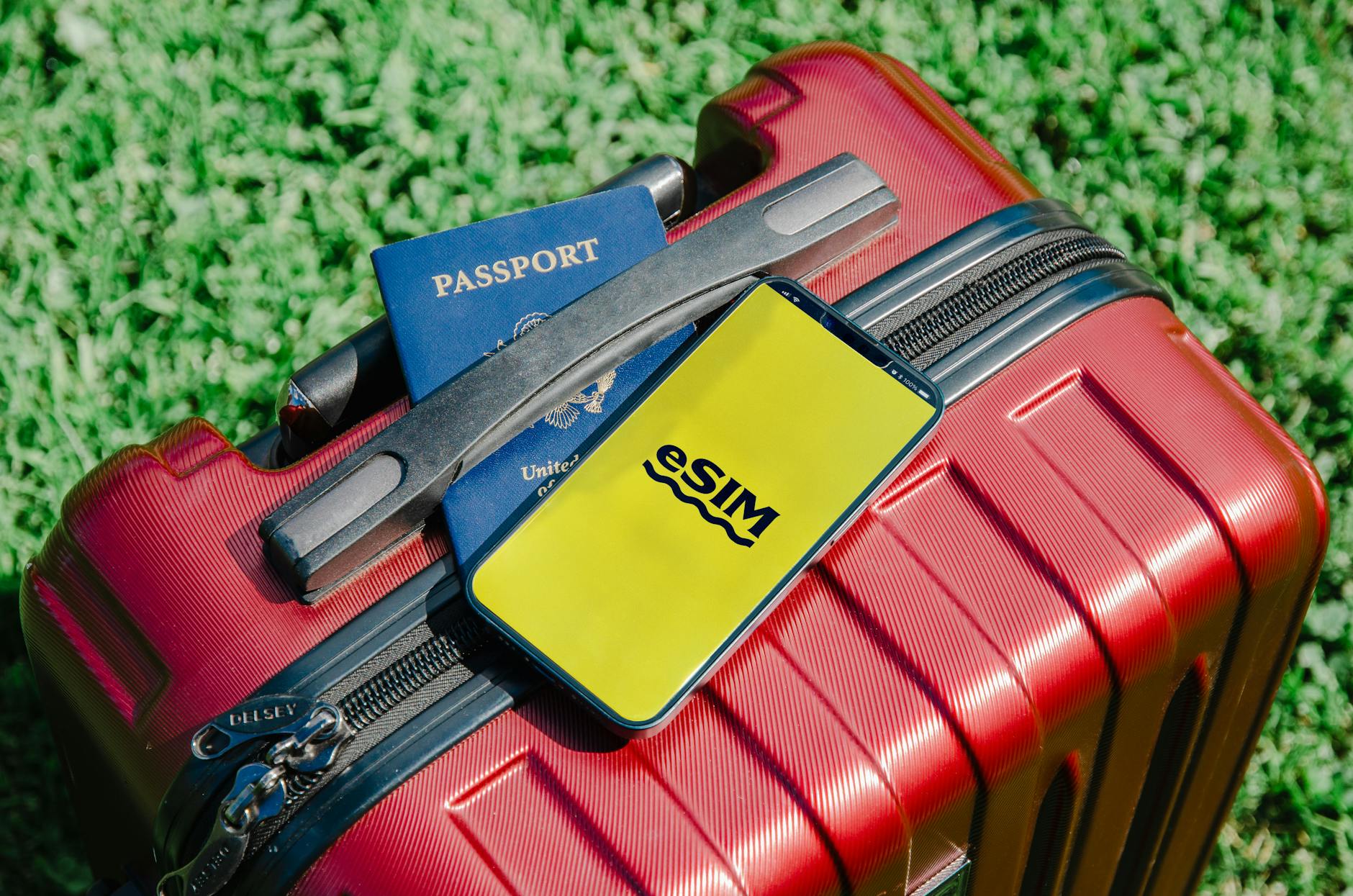
If your trip crosses at least two of the USA, Mexico and Canada, a multi-country plan gives you one eSIM and one price, with no manual switching and no roaming fees.
If you’re only visiting one country, a single-country plan will cost less. But if your itinerary combines Mexico City with Dallas, or Toronto with New York, a multi-country eSIM is the better buy.
Tip: Map out your stops before you buy. If you’re staying entirely within the USA, a US-only unlimited plan from Yesim or Airalo could save you US$10–$20 compared with a full three-country plan.
How to set up your eSIM
Setup usually takes under five minutes:
- Check compatibility: Your phone must be unlocked and eSIM-capable. iPhone XS and newer, Samsung S21 and newer, and Google Pixel 3 and newer all support eSIM.
- Buy your plan: Purchase through Yesim or Airalo. You’ll get a QR code by email within minutes.
- Install on Wi-Fi: Go to Settings, then Mobile/Cellular, then Add eSIM, and scan the QR code. Do this before you leave home.
- Activate on arrival: Set the eSIM as your data line when you land. Keep your home SIM active for calls if you need it, as most phones support a physical SIM and an eSIM at the same time.
Tip: Screenshot or print your QR code before you travel. Airport Wi-Fi is often unreliable, so you don’t want to depend on it for setup.
Local SIM card or eSIM?
| Feature | eSIM | Local SIM card |
|---|---|---|
| Setup time | Instant (QR scan) | 30–60 min at a store |
| Multi-country use | One plan for all countries | New SIM in each country |
| Keep home number | Yes (dual SIM) | Must swap physical SIM |
| Cost (USD) | $5–$55 | $10–$60 per country |
| Works on older phones | No, needs eSIM support | Yes, any unlocked phone |
Tip: If your phone doesn’t support eSIM, you can buy a local prepaid SIM on arrival. T-Mobile, AT&T and Telcel have kiosks at major airports. Expect to pay around US$25–$45 for a 30-day plan.
Frequently asked questions
Which eSIM works across the USA, Mexico and Canada?
Yesim and Airalo both offer North America multi-country plans covering the USA, Mexico and Canada. Yesim plans have been seen from US$5 for 7 days. Confirm your plan covers all three countries before you buy, as some budget plans are single-country only.
Can I use an eSIM and keep my Australian number?
Yes. Most modern smartphones support dual SIM. Your physical SIM handles calls and texts on your home number, while the eSIM handles data. Set the eSIM as your default data line in Settings and turn off data roaming on your home SIM so you aren’t charged roaming fees.
How much data will I need?
A typical traveller uses around 2–5 GB per week for maps, messaging, social media and travel apps. For a two-week trip across several cities, a 10–15 GB plan should be comfortable. If you plan to livestream or make frequent video calls, choose an unlimited plan.
Is an eSIM reliable in crowded places?
eSIMs are as reliable as physical SIMs. The risk at big events, stadiums and festivals is network congestion, not the eSIM itself, and every carrier slows down when tens of thousands of people are in one place. Download tickets, maps and transport apps for offline use before you head out.
Do I need travel insurance as well as an eSIM?
Yes. An eSIM covers your data, but it won’t help with cancelled flights, medical emergencies or lost bags. Arrange comprehensive travel insurance through EKTA Travel Insurance before you depart. For flight delays or cancellations, AirHelp can help you claim compensation.
WanderSteals verdict
For most Australians visiting the USA, Mexico and Canada, Yesim is the best-value choice: affordable, quick to set up and built for multi-country travel. A 30-day North America plan has been seen at US$25–$35, which covers a typical long trip across all three countries.
For shorter trips, compare Airalo too. Whichever you choose, install it before you fly, turn off data roaming on your Australian SIM, download what you need offline, and pair your eSIM with solid travel insurance such as EKTA.
To keep costs down between cities, compare flights on Aviasales and search multi-city routes on Kiwi.com.
Affiliate disclosure: WanderSteals earns a small commission when you book through links on this page, at no extra cost to you. This keeps our travel guides free.