Best SIM Card for World Cup 2026 USA: eSIM Guide
This article contains affiliate links. If you book or purchase through these links, WanderSteals may earn a commission at no additional cost to you. Read our affiliate disclosure.
Updated June 2026
✈️ Search Cheap Flights on Aviasales →
🎒 Search Tours & Stays on Klook →
⚡ Quick Answer: Best eSIM for World Cup 2026Top Pick: Yesim — multi-country North America plans covering USA, Mexico & Canada
Price Range: $5–$35 for 7–30 day plans
Coverage: USA, Mexico, Canada (all 16 host cities)
Works on: iPhone XS+ / Android with eSIM support
Get Your World Cup eSIM → Yesim
For World Cup 2026 fans crossing the USA, Mexico, and Canada, Yesim offers the best multi-country eSIM coverage from approximately $9 for 7 days of data across all three host nations. You install it before you fly — no airport queues, no physical SIM swap needed.
Top eSIM Options for World Cup 2026
All four providers below support eSIM-compatible smartphones and allow activation before departure. Prices are approximate as of June 2026 — check each provider for live rates.
| Provider | Coverage | Data | Price (USD) | Buy |
|---|---|---|---|---|
| Yesim | USA + Mexico + Canada | 10 GB / 30 days | ~$19–$35 | Buy → |
| Airalo | USA / Mexico / Canada (separate plans) | 1–20 GB | ~$5–$28 | Search Airalo.com → |
| Holafly | USA or North America bundle | Unlimited | ~$27–$59 | Search Holafly.com → |
| Saily (by NordVPN) | USA + Canada | 5–50 GB | ~$7–$30 | Search Saily.com → |
Tip: If your group stage matches are only in the USA, a US-only plan from Airalo starting at ~$5 is the most cost-efficient choice. Only buy the North America bundle if you are attending matches in Mexico City or Toronto/Vancouver.
Do I Need a Multi-Country eSIM?
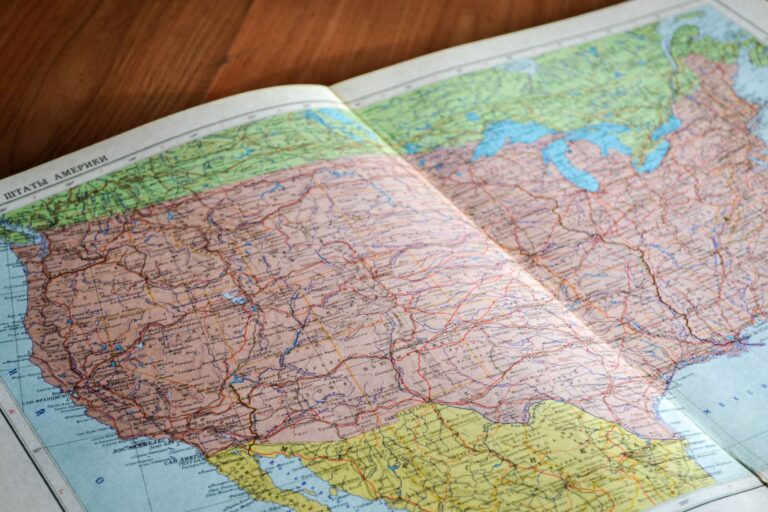
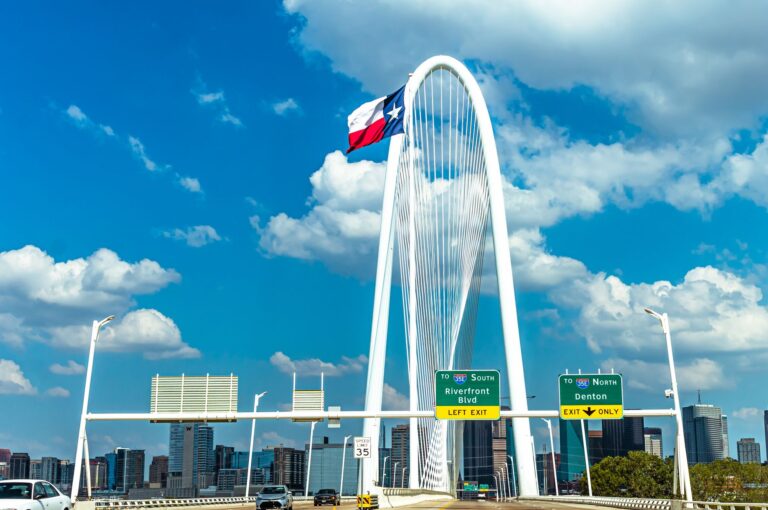
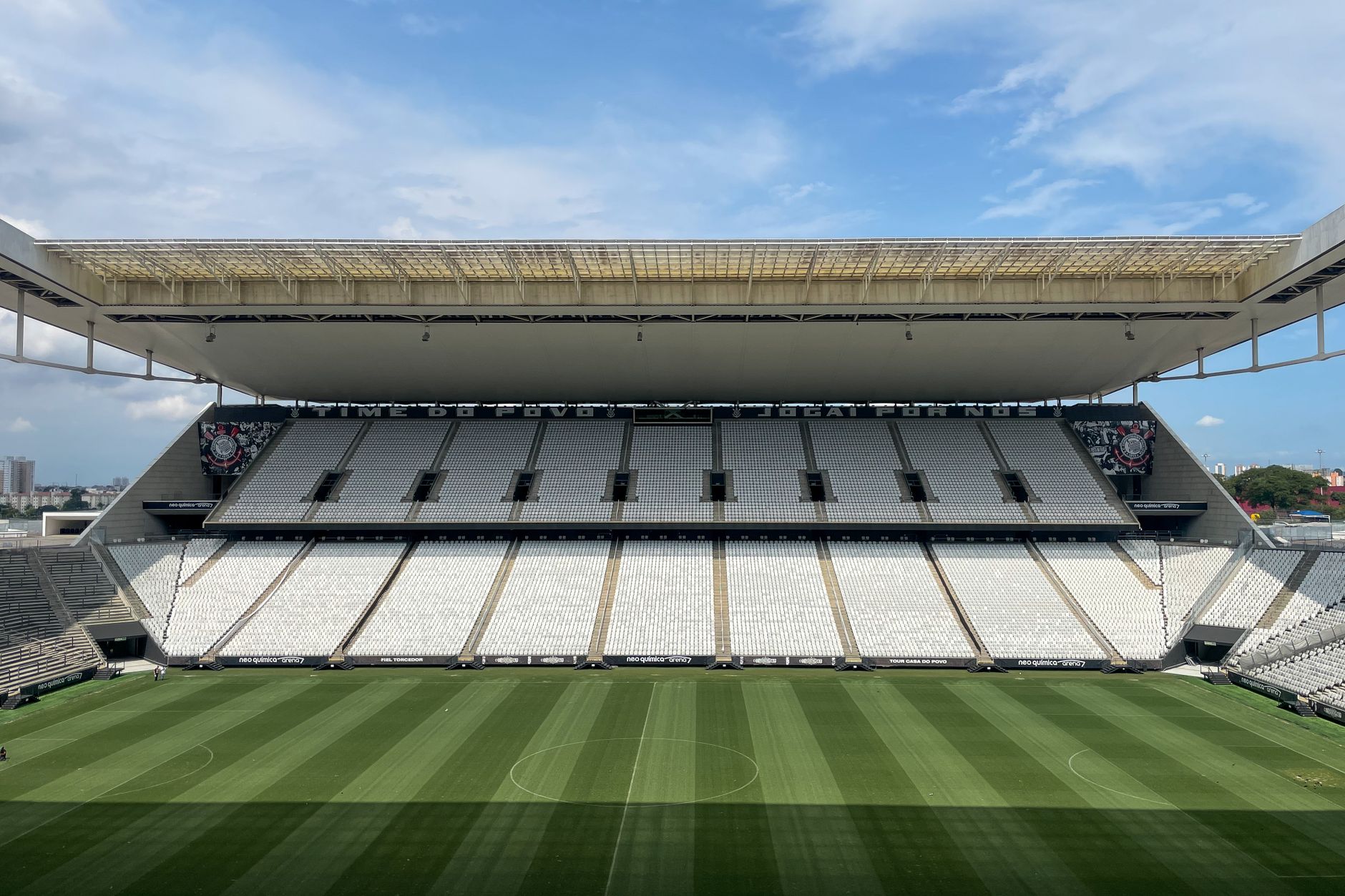
The 2026 World Cup spans 16 cities across three countries. Many fans will travel across borders — for example, catching group stage matches in Mexico City (June 11 opener at Estadio Azteca), then flying to Dallas or Los Angeles for knockouts.
A single-country US eSIM will lose data coverage the moment you land in Mexico or Canada. A multi-country North America eSIM eliminates that problem entirely. If you are staying only within the 11 US host cities, a US-only plan saves money.
Tip: Book multi-city flights between host cities on Kiwi.com — their multi-city tool is built for exactly this kind of itinerary.
How to Set Up Your eSIM — 4 Steps
Setup takes under five minutes and can be done at home before you travel.
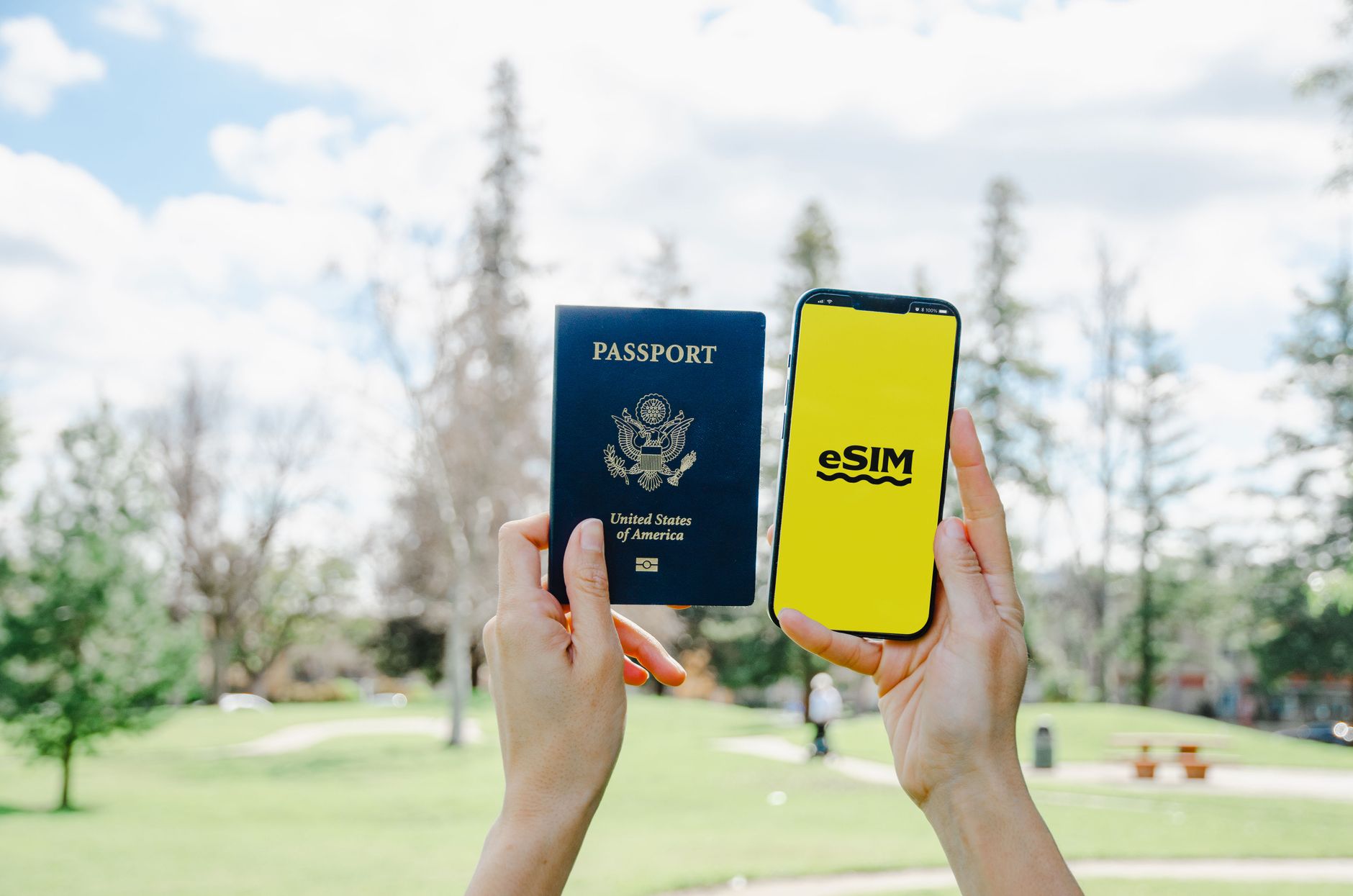
- Check compatibility: Go to Settings → General → About and look for “eSIM” or “Digital SIM.” Most iPhone XS (2018) and newer Android flagship devices are supported.
- Purchase your plan: Buy via Yesim or Airalo. You receive a QR code by email within minutes.
- Scan and install: Go to Settings → Mobile/Cellular → Add eSIM → Use QR Code. Scan the code. The eSIM installs in under 60 seconds.
- Set as data line: Label the new eSIM “World Cup” and set it as your primary data line before boarding. Keep your home SIM active for calls if needed.
Tip: Do not activate the eSIM until you land — some plans start their countdown from activation, not purchase.
Local SIM Card vs eSIM — Quick Comparison
| Feature | Local SIM Card | eSIM |
|---|---|---|
| Setup time | 30–60 min at a store | Under 5 min online |
| Multi-country use | One card per country | Single plan, 3 countries |
| Price (30 days) | $25–$60 | $19–$59 |
| Keep home number | No (swap required) | Yes |
| Available before travel | No | Yes |
Tip: Local SIM cards (T-Mobile, AT&T prepaid) can be competitive for US-only travel at $25–$40/month. However, for multi-country World Cup itineraries, an eSIM wins on convenience every time.
Does my phone support eSIM for the World Cup?
Most smartphones released from 2018 onwards support eSIM, including iPhone XS and later, Google Pixel 3+, Samsung Galaxy S20+, and most flagship Android devices. Check Settings → About → SIM Status or search your model at your eSIM provider’s compatibility page before purchasing.
Which eSIM has the best coverage inside US stadiums?
US coverage depends on the underlying carrier your eSIM provider uses — most use T-Mobile or AT&T networks. All 11 US World Cup venues are in major metropolitan areas with strong 4G/5G coverage. Expect slower speeds inside packed stadiums on matchdays; download your maps and tickets offline beforehand.
Can I use an eSIM if I am travelling from Brazil, the UK, or Australia?
Yes. eSIMs work on any unlocked smartphone regardless of your home country. Fans from Brazil, the UK, Australia, and all other nations can purchase and install a North America eSIM before departure. Confirm your phone is unlocked — some carrier-locked devices (particularly older models) cannot install third-party eSIMs.
How much data do I actually need for 4 weeks at the World Cup?
Budget roughly 1–2 GB per day for typical use — maps, messaging, social media, and ticket scanning. A 15–20 GB plan covers a 2–3 week trip comfortably. If you plan to stream matches on the go or upload large video files, choose an unlimited plan or a 30 GB+ option.
Should I also get travel insurance for the World Cup?
Absolutely — ticket prices, flights, and hotels make a World Cup trip a significant financial commitment. EKTA Travel Insurance covers trip cancellation, medical emergencies, and lost baggage across all three host countries in a single policy. Purchase before your departure date to ensure full cancellation cover.
For most World Cup 2026 fans, Yesim is the smartest pick — one plan, three countries, installed before you leave home. If you are attending matches only in the USA, check Airalo for cheaper single-country options starting at ~$5.
Sort your eSIM, travel insurance, and multi-city flights on Kiwi.com in one sitting — these are the three things that will save you the most stress between matches. Don’t queue at an airport kiosk when you could be watching pre-match build-up.
Get Yesim eSIM for World Cup 2026 →